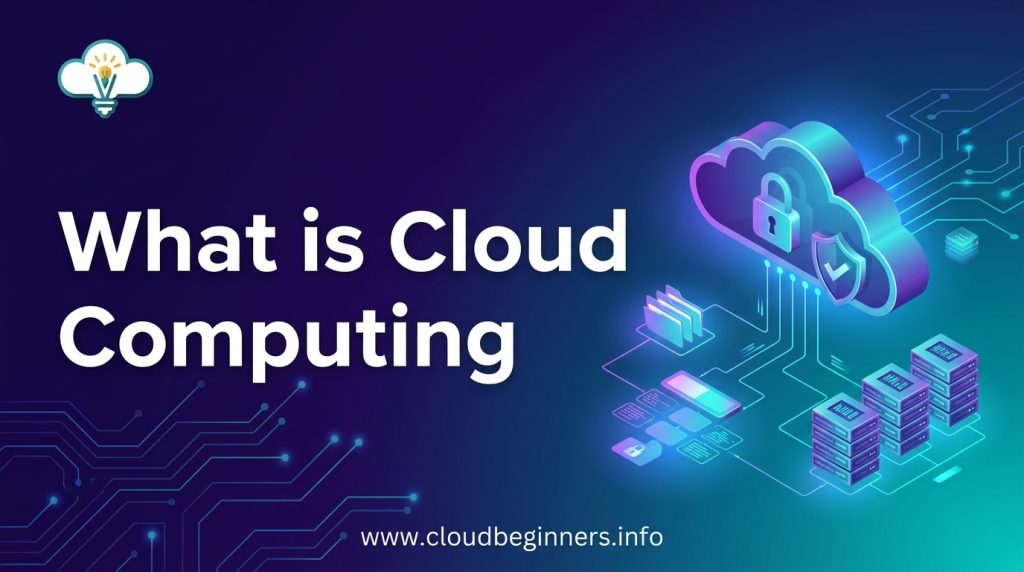
What is Cloud Computing? A Simple Explanation for Absolute Beginners
Alright. Ever tried explaining your job in tech to your grandma, only to see her eyes glaze over at the mention of “cloud computing”?
You’re not alone. Millions of people use cloud services daily without really understanding what’s happening behind the scenes.
In this guide, you’ll discover what cloud computing actually means in plain English – no tech degree required.
Think about it: every time you check Facebook, stream Netflix, or save a file on Dropbox, you’re using cloud computing. It’s not magical internet pixie dust; it’s just someone else’s computer doing work for you over the internet.
But here’s what most explainers get wrong: understanding the cloud isn’t about technical definitions. It’s about grasping how it’s already changing your digital life in ways you might not even realize.
Demystifying Cloud Computing
How Cloud Computing Works in Simple Terms
Picture this: instead of keeping all your files and programs on your computer, you’re storing them in a giant digital warehouse accessible from anywhere. That’s cloud computing in a nutshell.
When you save photos to Google Photos or stream a movie on Netflix, you’re using the cloud. Your data travels through the internet to massive data centers (those warehouse-sized buildings filled with computers) and back to you when needed.
Think of it like renting space in someone else’s super-powerful computer rather than buying your own. You’re essentially “borrowing” computing power, storage, and software that lives online instead of on your device.
The Evolution from Traditional Computing
Remember when you had to buy software in actual boxes? Or when running out of storage meant buying a new hard drive?
Traditional computing tied you to a single device. If your computer crashed, your files could vanish forever. Programs only worked on the machine they were installed on, and upgrading meant expensive hardware replacements.
The shift to cloud computing changed everything:
| Traditional Computing | Cloud Computing |
|---|---|
| Store files on your physical device | Store files online, access from anywhere |
| Install software on each computer | Access software through a web browser |
| Limited by your hardware | Scale resources up or down as needed |
| High upfront costs | Pay-as-you-go pricing |
Why Cloud Computing Matters to Everyone
Cloud computing isn’t just tech jargon—it’s transforming how you live everyday life.
When you check your email, use social media, or collaborate on Google Docs, you’re benefiting from the cloud. No more worrying about losing files when your phone breaks or running out of space for your photos.
You get automatic updates without doing anything. Your apps work across all your devices. And you can access your digital life from anywhere with an internet connection.
Even if you’re not tech-savvy, the cloud makes technology more accessible, affordable, and reliable for you. It’s democratized computing power that once required expensive equipment and technical knowledge.
Key Features of Cloud Computing
On-Demand Access from Anywhere
Ever been stuck without an important file when you needed it most? With cloud computing, those days are over. You can access your data, applications, and services from anywhere with an internet connection.
Whether you’re working from your office desktop, checking in from your phone while commuting, or using your laptop at a coffee shop – your stuff is always there waiting for you.
This flexibility means you’re no longer chained to a single device. Got a new computer? No problem. Just log in, and everything’s right where you left it.
Pay-Only-for-What-You-Use Model
The cloud is like having utilities in your home. You don’t build your own power plant – you just pay for the electricity you use. Same concept here.
Before cloud computing, you’d have to buy expensive servers upfront, even if you only needed that much capacity occasionally. Talk about wasteful!
Now you can start small and pay only for the resources you actually use. Having a slow month? Your bill goes down. Sudden traffic spike to your website? The cloud scales up, and you pay a bit more. It’s fair, transparent, and makes budgeting so much easier.
Unlimited Scalability
Need more storage space? More processing power? More users? No sweat.
Cloud services grow with you at the click of a button. This is perfect when you’re not sure how much capacity you’ll need or when your needs change quickly.
You don’t have to predict the future anymore or make huge upfront investments based on guesses about your growth. The cloud has your back whether you need to scale up during busy seasons or scale down during quieter periods.
Automatic Updates and Maintenance
Remember the days of installing software updates manually? Or worrying about backing up your data? Cloud computing handles all that boring stuff for you.
Your cloud provider takes care of security patches, feature updates, and system maintenance behind the scenes. This means you always have the latest version without lifting a finger.
No more “update reminders” interrupting your work or weekend maintenance windows. The cloud keeps things running smoothly while you focus on what actually matters – using the software, not maintaining it.
Major Types of Cloud Computing Services
A. Software as a Service (SaaS): Apps Without Installation
Ever used Gmail, Dropbox, or Microsoft 365? Then you’ve already jumped into cloud computing! SaaS gives you instant access to powerful software without installing a thing on your computer.
Think about it – remember when you had to buy expensive software packages and worry about updates? Those days are gone.
With SaaS, you simply open your browser, log in, and boom – everything’s ready to go. Your email, documents, and spreadsheets are available from any device with an internet connection.
The beauty of SaaS is that you’re always using the latest version. No more annoying update pop-ups or compatibility issues. The provider handles all the technical stuff behind the scenes.
B. Platform as a Service (PaaS): Development Made Easy
Got an app idea but don’t want to build everything from scratch? PaaS is your best friend.
PaaS provides you with pre-built development components like databases, web servers, and programming environments. It’s like getting a fully equipped kitchen instead of having to build one before you can start cooking.
With services like Google App Engine or Microsoft Azure, you can focus on creating your application’s unique features while the cloud provider manages the underlying infrastructure. This cuts your development time dramatically and lets you bring your ideas to life faster.
C. Infrastructure as a Service (IaaS): Computing Power on Tap
Need raw computing muscle? IaaS gives you virtual machines, storage, and networking on demand.
Instead of buying expensive servers that sit idle most of the time, you can rent exactly what you need, when you need it. Services like Amazon EC2 let you scale up during busy periods and scale down when traffic drops – paying only for what you use.
This flexibility is a game-changer for your budget. No more massive upfront investments in hardware that quickly becomes outdated. With IaaS, you’re always using current technology without the headaches of ownership.
Real-World Benefits for Everyday Users
Access Your Files Across All Devices
Remember when you had to email yourself documents just to work on them at home? Those days are gone. With cloud computing, your files follow you everywhere. Upload a document on your laptop, and boom—it’s instantly available on your phone, tablet, or any other device.
Got a brilliant idea while riding the bus? Open your cloud-based document app and start typing. Need to show a presentation but forgot your laptop? Just borrow someone else’s device, log in, and you’re good to go.
Never Worry About Backups Again
Computer crashes are a nightmare, right? With cloud computing, they become way less scary. Your precious photos, important documents, and work projects are automatically backed up in the cloud.
Spilled coffee on your laptop? Dropped your phone in water? No sweat. Your data isn’t trapped in that device; it’s safe in the cloud, waiting for you to access it from any new device.
Save Money on Hardware and Software
Cloud computing is a total money-saver. Instead of dropping hundreds on expensive software, you can subscribe to cloud services for a small monthly fee, or even use free versions.
Need more storage? No need to buy a new computer or external hard drive. Just upgrade your cloud storage plan, often for the price of a coffee or two per month.
Store Unlimited Photos and Videos
Taking photos and videos non-stop but running out of space? Cloud storage has your back. Services like Google Photos, iCloud, and Dropbox let you store thousands of memories without clogging up your phone or computer.
Upload them automatically in the background and free up space on your devices. Plus, you can easily share those vacation pics with friends and family through simple links.
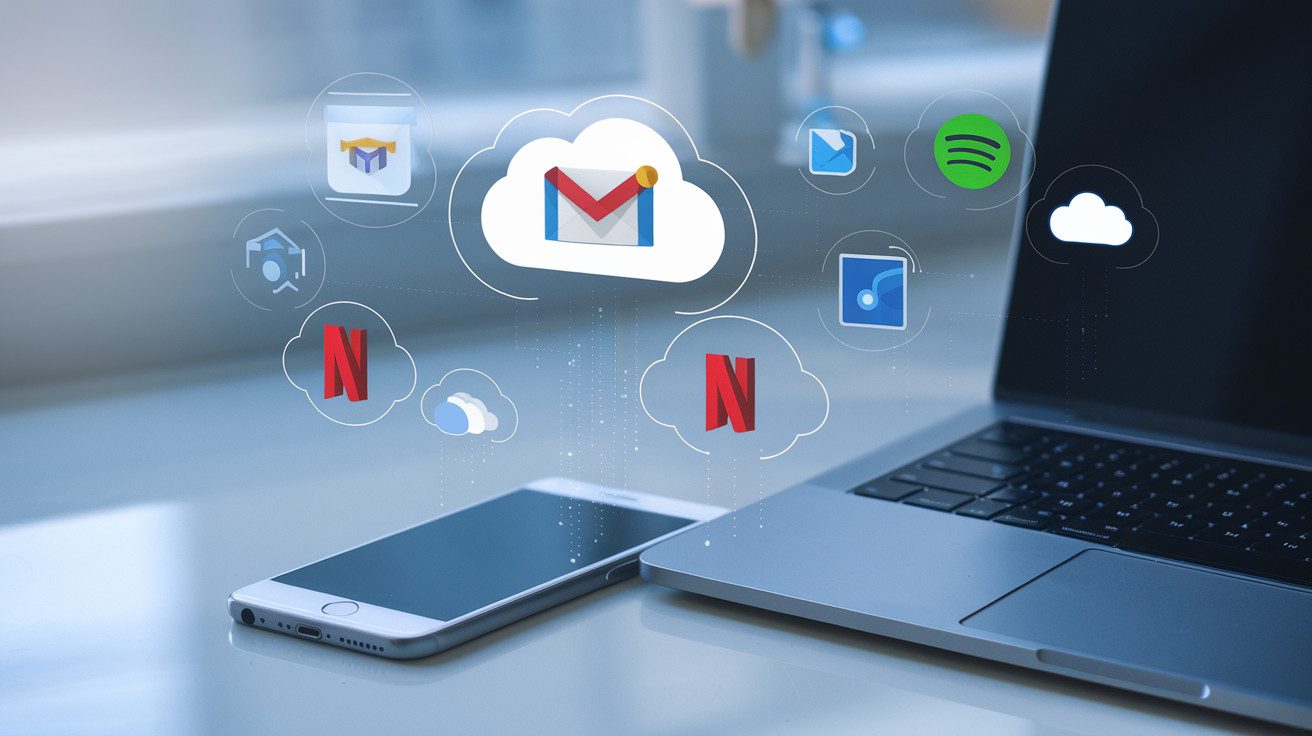
Common Cloud Services You Already Use
Common Cloud Services You Already Use
A. Email Services (Gmail, Outlook)
Wonder how you can check email from any device without installing special software? That’s cloud computing at work! Your emails in Gmail or Outlook aren’t stored on your computer; they live on massive servers maintained by Google or Microsoft.
You’re accessing cloud technology every time you log in to check messages, whether from your phone, laptop, or library computer.
B. Storage Solutions (Dropbox, Google Drive)
Remember the days of carrying USB drives everywhere? Now you just upload files to Dropbox or Google Drive and boom; they’re available anywhere.
Your vacation photos, work documents, and personal files are stored in the cloud, not taking up precious space on your device. Plus, you never have to worry about leaving your thumb drive at home again.
C. Entertainment Platforms (Netflix, Spotify)
Binging your favorite show or streaming music? You’re using cloud computing! Netflix doesn’t mail you the actual video data; it streams content stored on their cloud servers. Same with Spotify; all those millions of songs aren’t on your phone but accessed through the cloud whenever you hit play.
D. Productivity Tools (Office 365, Google Docs)
Gone are the days when you needed to install bulky software to create documents. With cloud-based tools like Office 365 or Google Docs, you can create, edit, and share work directly in your browser. Your documents update in real-time, and you can collaborate with others without emailing attachments back and forth.
E. Social Media Applications
Every Instagram photo you post or Facebook status you update is stored and processed in the cloud. Your entire social media presence; all those posts, comments, and memories; exists on distant servers rather than your personal device. That’s why you can delete the app and reinstall it later without losing your content.
Getting Started with Cloud Computing
Choosing the Right Cloud Services for Your Needs
Feeling overwhelmed by all the cloud options out there? Don’t worry – everyone starts somewhere. Think about what you actually need first. Are you just looking to back up photos?
Services like Google Photos, iCloud, or Dropbox might be perfect for you. Need somewhere to work on documents with others? Google Workspace or Microsoft 365 are your go-to options.
If you’re running a small business, consider these questions:
- How much storage do you need?
- Do you need to share files with others?
- Is budget a major concern?
Start small and scale up as needed. Most cloud services offer free tiers that give you enough to test the waters.
Security Considerations for Beginners
Your data matters, so protect it! When using cloud services:
- Create strong, unique passwords for each cloud service
- Enable two-factor authentication whenever possible
- Be careful about what you upload (especially sensitive personal documents)
- Check the privacy settings on your accounts
Remember that public WiFi and cloud services don’t mix well without protection. Use a VPN if you’re accessing your cloud storage at coffee shops or airports.
Simple Steps to Move Your Data to the Cloud
Ready to make the jump? Here’s how to get started:
- Pick one service to begin with (don’t try to move everything at once)
- Install the desktop app for your chosen service
- Start with a small batch of files to get comfortable
- Organize as you go – create folders before uploading
- Set up automatic backups for important files
Take your time and don’t rush the process. Cloud migration isn’t a race, and doing it right the first time saves headaches later. Start with non-critical files until you’re confident in your setup.

Cloud computing doesn’t need to feel overwhelming anymore. By understanding the basics- that it’s simply using remote servers to store, manage, and process data over the internet- you can appreciate how it already enhances your digital life.
So, whether through SaaS applications like Gmail, IaaS platforms that power your favorite websites, or PaaS solutions that enable the apps you love, cloud technology is working behind the scenes to make technology more accessible and convenient.
You can start benefiting from cloud computing today by exploring free services like Google Drive for storage or Microsoft Office Online for productivity.
As you become more comfortable, you might discover how cloud solutions can help you work more efficiently, access your files from anywhere, and reduce your dependency on physical hardware.
Know that the cloud isn’t some distant technology of the future; it’s already an integral part of your digital experience, ready to be utilized more fully whenever you’re ready.
I’ve also built a platform that shows you how to build the right hands-on cybersecurity skills to help businesses achieve their cloud security goals while you build the career you love for a better, higher-paying reward. Check it out here and start working on projects that will help you get hired.
The Author