GCP’s Take on Shared Responsibility: How Google Divvies Up Security
Ever wondered who’s responsible if your cloud data gets breached? If you’re nodding, you’re not alone. A shocking 45% of organizations using cloud services have experienced at least one security incident, often because of confusion around who handles what security tasks.
Let’s clear this up once and for all – especially for Google Cloud Platform users wrestling with cloud security responsibility models.
In this guide, we’ll dissect GCP’s shared responsibility approach to security, showing exactly where Google’s job ends and yours begins. No corporate speak, just practical clarity on who’s watching which parts of your cloud infrastructure.
The truth is, most cloud security failures happen in the gaps – those murky areas where you thought Google was handling something they expected you to manage. And that’s where things get interesting…
Understanding GCP’s Shared Responsibility Model
The Core Concept: What “Shared Responsibility” Actually Means
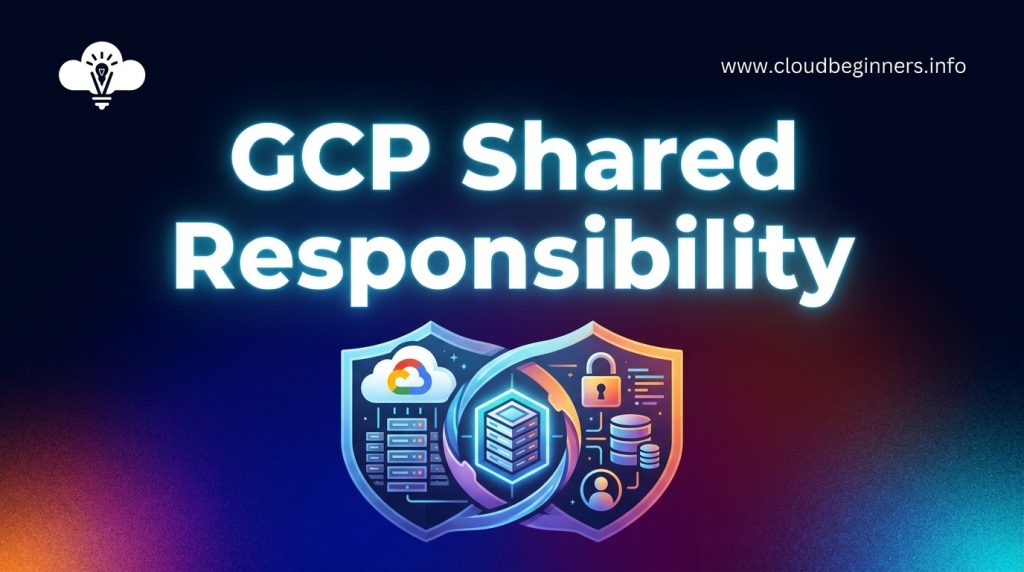
You’ve probably heard the phrase “shared responsibility” thrown around whenever cloud security comes up. Here’s the deal: it simply means that both you and Google share the job of keeping your stuff safe in the cloud.
Think of it like renting an apartment. The building owner handles structural maintenance and common areas, while you’re in charge of locking your door and keeping your space secure.
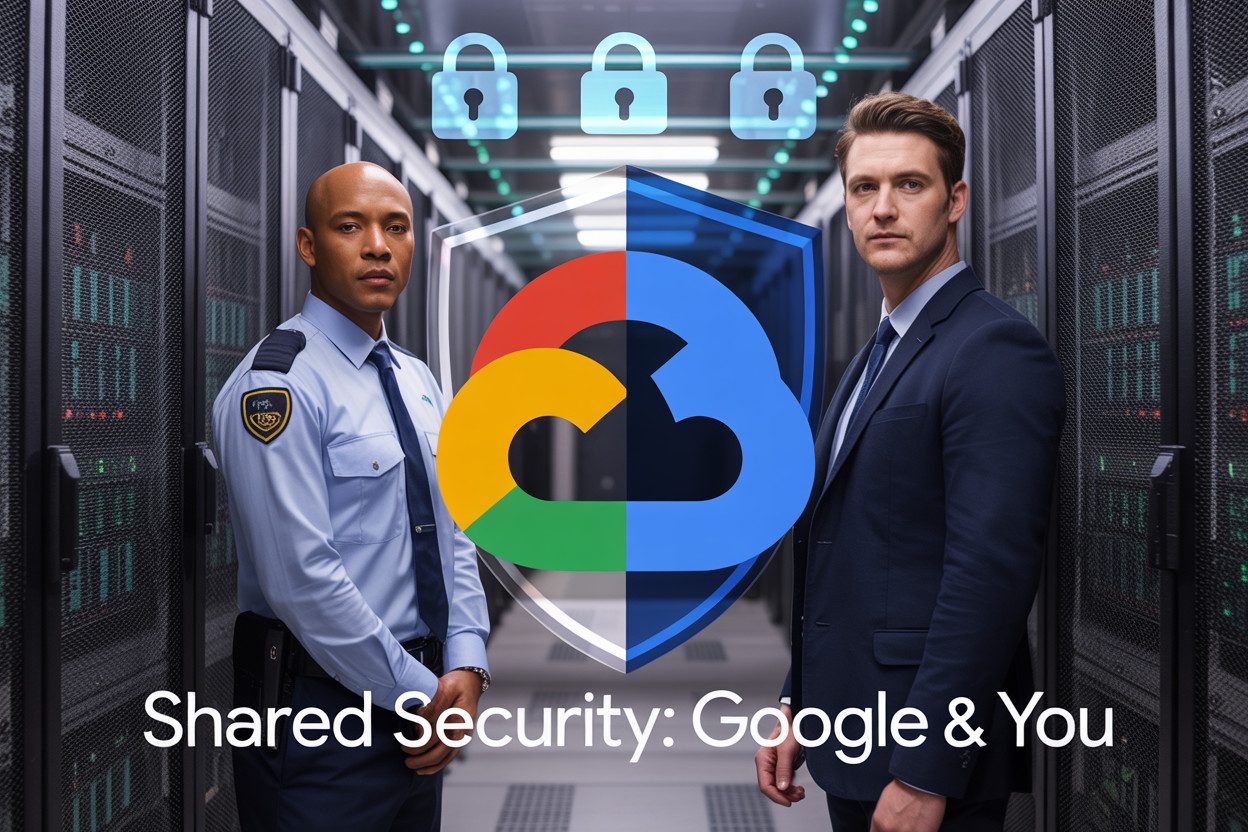
In GCP’s world, Google manages the physical data centers, hardware, and core infrastructure, while you manage your data, applications, access controls, and configurations.
The line between your responsibilities and Google’s isn’t always crystal clear. That’s why understanding exactly where your security duties begin and Google’s end is crucial to avoiding dangerous security gaps.
How GCP’s Model Differs from AWS and Azure
GCP’s approach to shared responsibility has its own flavor compared to competitors. While all major cloud providers follow similar principles, GCP puts more emphasis on automation and built-in security.
| Provider | Security Approach | Customer Responsibility Focus |
|---|---|---|
| GCP | Automation-first with default encryption | Identity management, data classification |
| AWS | Well-documented shared model | More configuration requirements |
| Azure | Shared responsibility with clear divisions | Similar to AWS but with tighter Microsoft integration |
The biggest difference? GCP handles more security heavy lifting out of the box. You’ll notice Google takes on more infrastructure security responsibilities automatically, particularly with their default encryption for data at rest and in transit.
Evolution of Google’s Security Philosophy
Google’s approach to security didn’t materialize overnight. Their security philosophy evolved from protecting their own massive infrastructure first.
Back in the early days, Google built security for themselves – to protect Search, Gmail, and other services used by billions. When they launched GCP, they essentially opened up this battle-tested security model to you.
The shift in Google’s philosophy over time has been toward “invisible security” – protection that works without you having to constantly configure it. This explains why GCP often has fewer security knobs to turn compared to AWS. It’s not that security options don’t exist – Google just aims to make the secure choice the default choice.
This philosophy traces back to Google’s BeyondCorp initiative, where they pioneered the zero-trust security model years before it became an industry buzzword. You benefit from this approach today through features like VPC Service Controls and context-aware access.
Google’s Security Responsibilities in Detail
A. Infrastructure and Physical Security Measures
Google takes physical security seriously – way more than you probably could on your own. Their data centers feature layered security with custom electronic access cards, alarms, vehicle barriers, perimeter fencing, metal detectors, and biometrics. Think about it – when was the last time you implemented iris scanners at your office?
These facilities are monitored 24/7 by high-resolution cameras that can detect and track intruders, with security guards patrolling around the clock. Your equipment is also safe from environmental threats thanks to redundant power systems, cooling infrastructure, and fire detection/suppression technology.
B. Network Protection and DDoS Mitigation
Your traffic on GCP gets world-class protection. Google’s global network – the same one that handles billions of searches daily – defends your workloads with built-in DDoS protection at no extra cost.
Their defense systems can absorb the largest DDoS attacks ever recorded. They’ve designed their infrastructure to disperse attack traffic across their global network, automatically detecting and dropping malicious packets before they reach your resources. This happens without you lifting a finger.
C. Hypervisor and Host OS Security
The foundation of your cloud experience – Google’s hypervisor and host operating system – undergoes rigorous hardening. Google custom-designs their hypervisor for cloud workloads, making it significantly smaller and more secure than commercial alternatives.
Google’s security team constantly monitors for vulnerabilities, automatically patches systems, and implements defense-in-depth strategies. Your workloads run on this hardened infrastructure without you needing to worry about the underlying security posture.
D. Default Encryption Practices
Your data is automatically encrypted at rest and in transit. Google handles the encryption keys and implements the algorithms without you having to configure anything. All data written to storage is encrypted using AES-256, and all network connections to GCP services enforce TLS by default.
For sensitive workloads, you can take advantage of Cloud KMS or Cloud HSM, but the baseline encryption is applied universally – protecting your information from the moment it enters Google’s infrastructure.
E. Compliance Certifications Google Maintains
Google does the heavy lifting on compliance so you don’t have to start from scratch. They maintain a comprehensive set of certifications including ISO 27001, 27017, 27018, SOC 1/2/3, PCI DSS, HIPAA, FedRAMP, and many more.
These certifications verify Google’s infrastructure meets rigorous global standards, which means you can build on a foundation that’s already compliant with many regulatory requirements. This saves you significant time and resources when pursuing your own compliance objectives.
Customer Security Responsibilities Explained
A. Identity and Access Management Best Practices
When using GCP, you’re responsible for managing who can access your resources. This isn’t just a checkbox exercise; it’s your first line of defense.
Start by implementing the principle of least privilege. Give your team members only the permissions they absolutely need to do their jobs. Nothing more. A developer doesn’t need admin access to your billing account, right?
Set up Cloud Identity for centralized user management and enable multi-factor authentication. Don’t rely on passwords alone—they’re just not enough anymore.
Here’s a quick checklist for your IAM implementation:
- Use service accounts wisely and rotate their keys regularly
- Create custom roles instead of using predefined ones when possible
- Implement IAM conditions to restrict access based on time, date, or resource attributes
- Regularly audit your permissions with IAM recommender
- Set up alerts for suspicious account activities
B. Data Classification and Protection Requirements
Your data isn’t all created equal. Some of it’s super sensitive, some not so much. You need to know which is which.
Start by classifying your data based on sensitivity levels. Then apply the appropriate protection measures to each category.
For your most sensitive data, encryption is non-negotiable. Google handles encryption at rest by default, but you’re still responsible for:
- Managing your encryption keys (consider using Cloud KMS)
- Implementing field-level encryption for sensitive application data
- Setting appropriate access controls for different data classifications
- Configuring data loss prevention policies
- Regularly backing up critical data
Don’t forget to define and enforce data retention policies. Not all data needs to live forever.
C. Application-Level Security Implementations
The security of applications running on GCP? That’s all you. Google provides the secure foundation, but what you build on top needs your attention.
Make sure you’re:
- Validating all inputs to prevent injection attacks
- Implementing proper authentication and session management
- Encrypting sensitive data in transit and at rest
- Using secure coding practices and performing regular code reviews
- Scanning your applications for vulnerabilities before deployment
Remember that containers need security love too. Use Container Registry vulnerability scanning and Binary Authorization to ensure only trusted containers make it to production.
Consider implementing Web Application Firewall protection for public-facing applications using Cloud Armor. It’s like putting a security guard at your app’s front door.
D. Network Security Configuration Options
Network security on GCP isn’t automatic—you need to configure it properly. Your virtual networks require the same attention as physical ones.
Start with these fundamentals:
- Use VPC firewalls to control traffic between resources
- Implement private Google access for services that don’t need public internet
- Segregate your networks based on function and sensitivity
- Deploy Cloud NAT for outbound-only connections
- Configure VPC Service Controls to create security perimeters around sensitive resources
For extra protection, implement a defense-in-depth strategy:
- Set up Cloud Armor for DDoS protection
- Use Identity-Aware Proxy for context-aware access to applications
- Implement Cloud VPN or Dedicated Interconnect for secure connections to on-premises environments
- Enable packet mirroring for network traffic inspection
Remember that default settings aren’t always the most secure. Review and harden your network configurations regularly.
Shared Security Areas: The Gray Zones
Shared Security Areas: The Gray Zones
Security in Google Cloud isn’t always black and white. There are plenty of gray areas where responsibilities overlap, and you’ll need to work hand-in-hand with Google to keep your environment secure.
A. Patch Management: Who Handles What
When it comes to patches, the division of labor depends on what you’re using:
| Service Type | Google’s Job | Your Job |
|---|---|---|
| IaaS (VMs) | Patch the underlying infrastructure | Patch your guest OS, applications, and libraries |
| PaaS | Patch the platform components | Patch your custom code and any included libraries |
| SaaS | Patch everything in the service | Configure security settings within the application |
Google handles infrastructure patching automatically, but you’re still on the hook for your own code and applications. Set up regular patching schedules and consider using GCP’s OS patch management service to simplify this process.
B. Incident Response Collaboration Framework
During a security incident, both you and Google play critical roles:
Google will:
- Alert you about detected threats
- Provide investigation tools and logs
- Contain infrastructure-level compromises
- Offer guidance through their security team
You need to:
- Maintain your incident response plan
- Set up proper alerting
- Investigate application-level issues
- Communicate with your users or customers
- Coordinate with Google’s security team
The key is establishing clear communication channels before an incident happens. Know who to contact at Google and how to escalate issues when minutes matter.
C. Security Monitoring Division of Labor
Security monitoring requires a tag-team approach:
Google monitors:
- Infrastructure anomalies
- Network-level threats
- Service availability
- Known vulnerability exploits
- Platform authentication attempts
You should monitor:
- Application logs
- User behavior
- Data access patterns
- Custom application metrics
- Resource utilization spikes
The most effective security posture comes from combining Google’s built-in security signals with your own monitoring tools. Cloud Security Command Center serves as your central dashboard, but you’ll still need to configure the right alerts and establish response procedures.
Implementing GCP’s Security Model Effectively
A. Security Assessment Tools Google Provides
Google gives you several powerful tools to check how secure your GCP environment is. Security Command Center stands out as your central dashboard for spotting vulnerabilities, misconfigurations, and threats. You’ll get real-time visibility across your entire Google Cloud footprint.
Cloud Security Scanner automatically hunts for common web vulnerabilities in your App Engine applications. Just point it at your apps, and it’ll identify issues like XSS and outdated libraries before attackers do.
For containers, Container Security scans your images before deployment, blocking risky ones from reaching production. And when you need to check your compliance posture, Compliance Reports help you understand how your setup measures up against frameworks like PCI DSS, HIPAA, and ISO 27001.
B. Recommended Security Configurations
Start with these proven configurations to strengthen your GCP security posture:
- IAM Best Practices: Set up custom roles instead of predefined ones, implement least privilege access, and use service accounts with limited permissions
- VPC Service Controls: Create security perimeters around sensitive resources to prevent data exfiltration
- Cloud Armor: Deploy it in front of your applications to block common attacks
For compute resources, always enable OS Login and set up shielded VMs to prevent boot-level attacks. Your storage buckets should never be public unless absolutely necessary—use signed URLs for temporary access instead.
C. Integration with Third-Party Security Solutions
Your existing security tools can work with GCP through several integration paths. The Security Command Center Premium tier connects with popular SIEM solutions like Splunk and IBM QRadar through pre-built connectors.
For endpoint protection, solutions from CrowdStrike, Trend Micro, and McAfee seamlessly deploy on GCP VMs. You can manage these through your existing console while protecting cloud workloads.
Many third-party tools also plug into GCP’s logging and monitoring ecosystem. Forward your logs to external analysis tools or use partners like Prisma Cloud (formerly Twistlock) for container security across hybrid environments.
D. Cost Implications of Security Responsibilities
Security costs in GCP fall into several buckets you need to budget for:
| Security Layer | Your Costs | Cost-Saving Tips |
|---|---|---|
| Identity & Access | IAM is free, but Cloud Identity Premium adds costs | Use groups for easier management |
| Network Security | Cloud Armor, SSL certs, NAT gateways have usage-based pricing | Start with Standard tier and upgrade as needed |
| Monitoring & Logging | Data retention beyond default periods incurs storage costs | Set up custom log-based metrics instead of storing everything |
Remember that some security features like VPC Service Controls require premium tiers of service. The good news is that basic security tooling like vulnerability scanning for containers is included at no extra charge with many GCP services.
Don’t skimp on security to save money—breaches cost far more than prevention. Instead, right-size your security spending by matching controls to your actual risk profile.
Real-World Success Stories
Enterprise Case Studies of Successful Implementation
You’ll find comfort in knowing that major players have successfully navigated GCP’s shared responsibility model. Take Spotify, for instance. They migrated their entire infrastructure to Google Cloud and leveraged GCP’s security controls while implementing their own application-level security.
The result? A 75% reduction in security incidents within the first year.
Or look at HSBC, who embraced Google’s security foundations while building their own financial compliance layers on top. By clearly defining boundaries of responsibility, they accelerated their cloud adoption by 40% without compromising security standards.
How Financial Services Companies Navigate Shared Responsibility
Financial institutions face unique challenges when using cloud services. When JPMorgan Chase adopted GCP, they created a hybrid responsibility matrix that clearly mapped regulatory requirements to specific security controls.
This approach helped them satisfy stringent compliance needs while still benefiting from Google’s infrastructure security.
Goldman Sachs took a different route. They worked directly with Google to develop custom security attestations that satisfied their regulatory requirements.
The key to their success? Regular tabletop exercises that simulated security incidents to test the boundaries of shared responsibility.
Healthcare Compliance Within the Shared Model
Healthcare organizations like Mayo Clinic have found success by focusing on patient data protection. They rely on Google’s HIPAA compliance infrastructure while implementing their own access controls and encryption for sensitive patient information.
Cleveland Clinic created a dedicated security team that serves as the interface between Google’s responsibilities and their own. This team regularly conducts gap analyses to ensure no security controls fall through the cracks as both Google and healthcare regulations evolve.
Navigating the cloud security landscape requires a clear understanding of who’s responsible for what. Google Cloud Platform’s shared responsibility model creates a framework where both Google and customers play vital roles in maintaining a secure environment.
While Google handles infrastructure security, physical data center protection, and service availability, customers must manage access controls, data encryption, and application-level security. The gray zones where responsibilities overlap demand particular attention and collaboration.
Effective implementation of GCP’s security model starts with thorough documentation of security boundaries, regular security assessments, and leveraging Google’s built-in security tools.
Organizations that embrace this partnership approach to security consistently demonstrate stronger protection against threats while maintaining operational efficiency.
By understanding and fulfilling your part of the shared responsibility model, you can maximize the security benefits of Google Cloud while focusing on your core business objectives.
I’ve built a platform that shows you how you can build the right cybersecurity skills to help businesses achieve their cloud security goals while you’re also building the career you love. Check it out here and start working on projects that get you hired.
The Author