How Does Cloud Computing Actually Work? Behind the Scenes
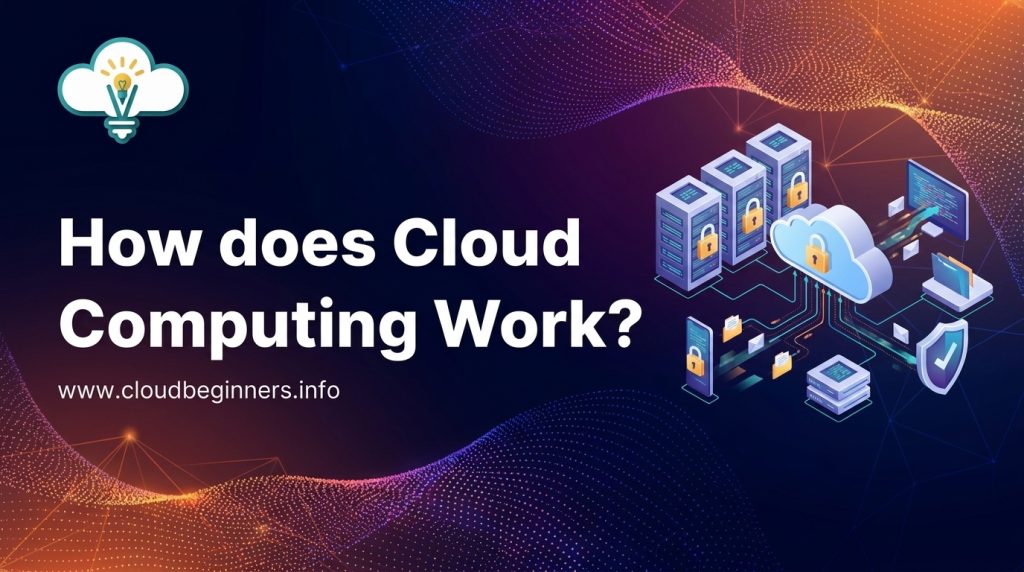
Ever clicked “save” on a Google Doc and wondered where exactly your work goes? It’s not floating in some digital ether; it’s in the cloud. But what even is “the cloud” beyond that fluffy marketing term tech companies throw around?
You’re about to get the no-nonsense explanation of how cloud computing actually works behind the curtain. No tech degree required.
When you stream Netflix, back up iPhone photos, or use Gmail, you’re using cloud computing without thinking twice about it. Your devices aren’t doing the heavy lifting; massive data centers somewhere in Virginia or Oregon are.
But here’s what nobody tells you: the real magic isn’t in those warehouse-sized buildings filled with servers. It’s in something way more clever that happens between your device and those facilities.
The Fundamentals of Cloud Computing
What Really Happens When You Click “Save to Cloud”
Ever wondered what actually happens when you hit that “save” button? Your file doesn’t magically float up to some fluffy digital heaven. Instead, your data travels through networks of cables and wireless signals to reach massive data centers.
Your device breaks your file into packets, wraps them with addressing information, and sends them zooming across the internet. These packets travel at incredible speeds; sometimes crossing continents in milliseconds before arriving at the cloud provider’s servers. There, your data gets reassembled, encrypted, and stored across multiple physical drives for safekeeping.
The Physical Reality Behind Virtual Storage
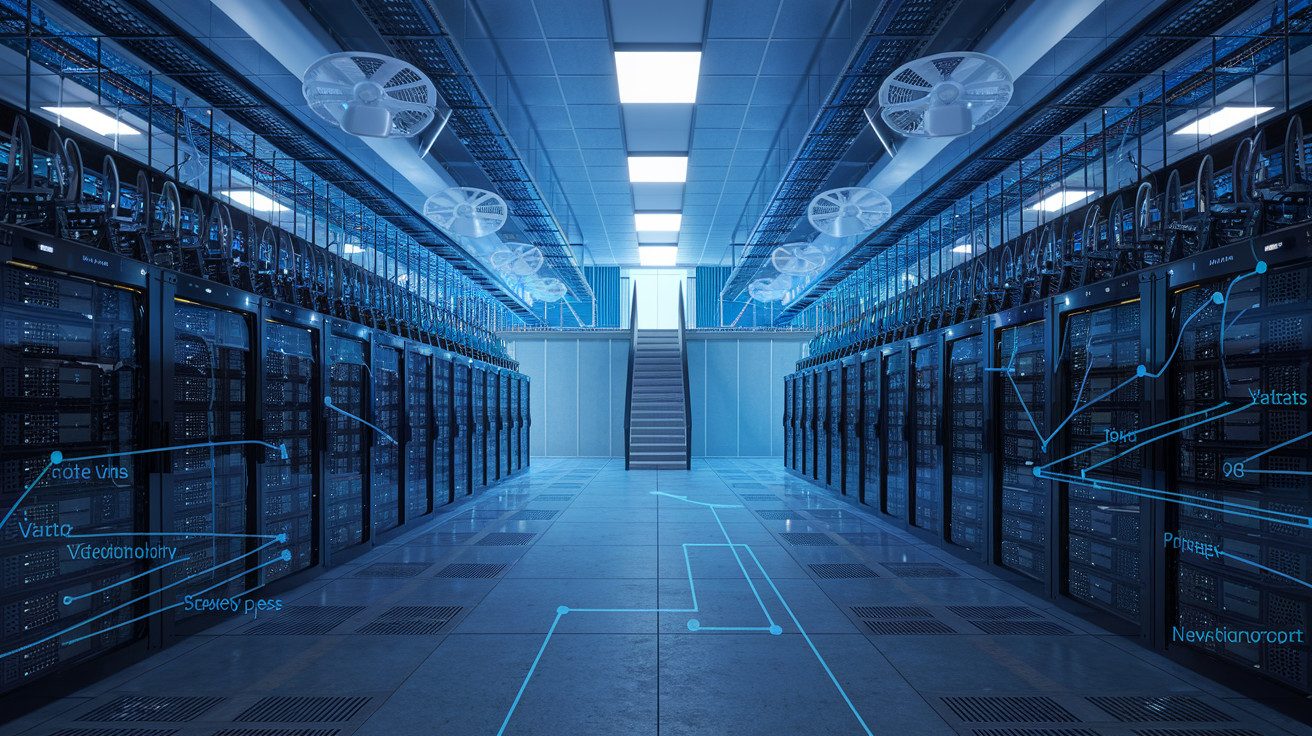
The “cloud” sounds ethereal, but it’s actually rows upon rows of servers humming away in warehouse-sized buildings. These aren’t your average computers; they’re specialized machines designed to store and process enormous amounts of data.
Your photos, documents, and apps live on these physical drives, often replicated across different locations. This redundancy ensures you don’t lose everything if one server crashes.
Cloud providers like AWS, Microsoft Azure, and Google Cloud have built these massive facilities across the globe, each consuming enough electricity to power small towns.
How Data Centers Power Your Digital Life
Those cat videos you stream and documents you share? They’re all made possible by immense data centers with mind-boggling specs:
- Power usage: Often 50-100 megawatts (enough for ~50,000 homes)
- Cooling systems: Elaborate setups keeping servers from melting down
- Security: Physical barriers, biometric access, 24/7 monitoring
These facilities form the backbone of cloud computing fundamentals, housing countless racks of servers that run virtually everything in your digital life. The cloud infrastructure works through these interconnected data centers, creating a global network that delivers your content instantly.
Breaking Down the Client-Server Model
The cloud operates on a simple principle: you’re the client, they’re the server. Your device (the client) makes requests, and distant machines (servers) fulfill them.
When you access cloud services, you’re essentially borrowing computing power and storage from these remote servers. This relationship works through standardized protocols that govern how information flows between your device and the cloud.
Different service models determine what level of control you maintain:
| Model | What You Control | What the Provider Handles |
|---|---|---|
| IaaS | OS, applications, data | Hardware, networking |
| PaaS | Applications, data | Hardware, OS, runtime |
| SaaS | Just your data | Everything else |
This client-server architecture is why you can access your cloud-stored files from any device, anywhere; your data isn’t tied to a single physical machine anymore.
Core Building Blocks of Cloud Infrastructure
A. The Secret Life of Servers: How They Store and Process Your Data
Ever wondered where your photos, documents, and apps actually “live” in the cloud? They’re sitting on physical servers; powerful computers stacked in massive data centers.
These aren’t your average PCs; they’re industrial-strength machines with specialized processors, massive RAM, and storage systems designed for one thing: handling your data alongside millions of others.
When you upload a file, it’s broken into pieces, duplicated, and stored across multiple drives. Your cloud provider’s servers constantly run sophisticated software that keeps track of where everything is.
Think of it as a hyper-efficient librarian who knows exactly where every page of every book is stored, even when pages are scattered across different shelves.
B. Networking Magic: How Your Files Travel Across the Globe
Picture this: you click “save” in Sydney, and someone opens that file seconds later in Seattle. How? High-speed fiber optic cables- some running under oceans- form the backbone of cloud computing. Your data travels as light pulses at roughly 70% the speed of light!
Your cloud provider maintains a global network of interconnected data centers, using smart routing technology to find the quickest path for your data. They’ve built private networks that bypass the congested public internet, making everything faster for you.
C. Virtualization Explained in Plain English
Virtualization is the secret sauce that makes cloud computing possible. Instead of giving you a whole physical server (which would be wasteful and expensive), your provider creates a virtual machine; basically a computer within a computer.
One powerful physical server can host dozens of these virtual machines, each completely separate from the others. It’s like having apartment units in a building instead of separate houses; you get your private space while sharing the underlying structure. Your virtual machine acts exactly like a dedicated server, but the provider can maximize their hardware and pass those savings to you.
D. Load Balancing: How Millions Can Access the Same Service Simultaneously
You’ve probably never thought about how Netflix streams to millions of people at once without crashing, right? That’s load balancing in action.
Cloud providers use specialized systems that distribute traffic across multiple servers. When you hit that streaming service or website, the load balancer acts like a traffic cop, directing your request to the least busy server.
If one server gets overwhelmed, it automatically routes new visitors elsewhere. This happens in milliseconds- so fast you never notice it happening.
E. Redundancy Systems: Why Your Data Rarely Disappears
Cloud providers are obsessed with keeping your data safe. They use redundancy: storing multiple copies of your information across different locations.
If a server fails in Texas, another in Virginia seamlessly takes over. Most providers maintain at least three copies of your data in different physical locations.
This isn’t just for hardware failures; it protects against natural disasters too. When a power outage hits one data center, another one thousands of miles away keeps everything running.
This redundancy extends to networking, power systems, and cooling, creating multiple layers of protection that work together to ensure your cloud services stay available 99.99% of the time.
Cloud Service Models Decoded
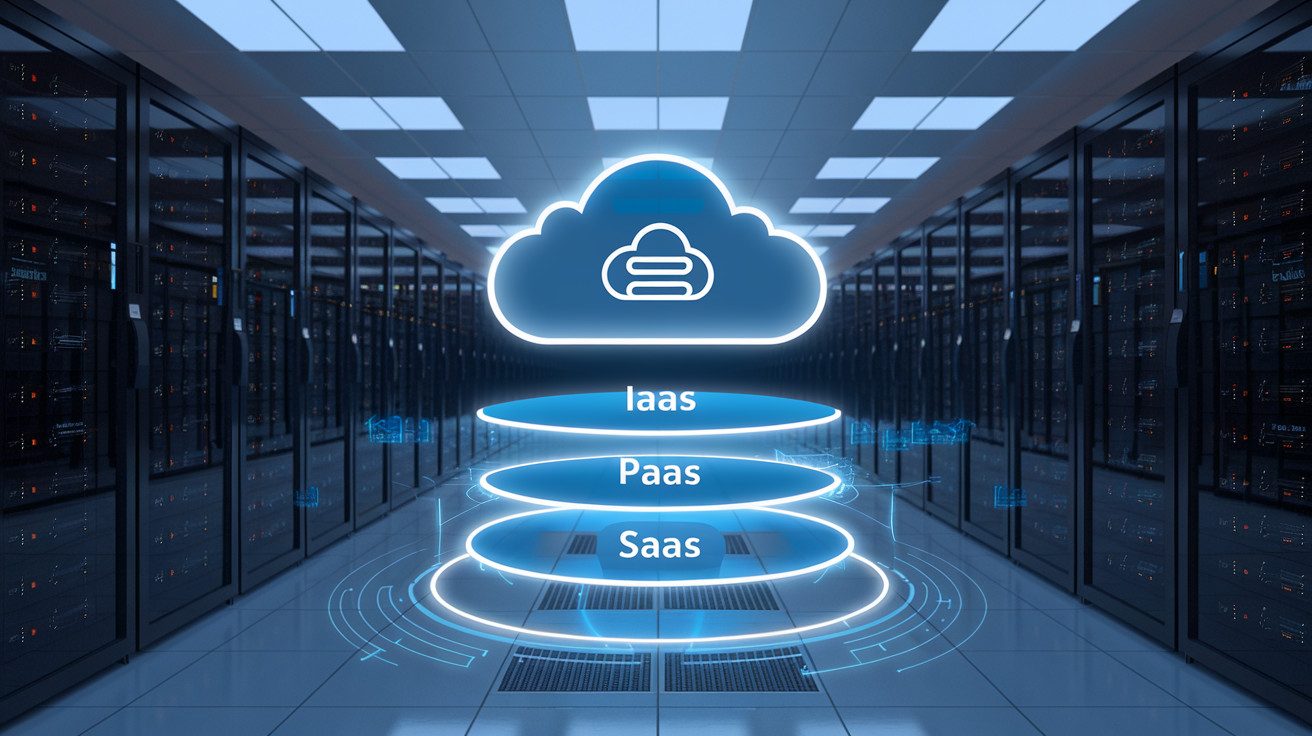
A. Software as a Service (SaaS): Why You No Longer Need to Install Programs
Remember downloading software from CDs or waiting hours for programs to install? Those days are gone. With SaaS, you simply access applications through your browser. Think about how you use Gmail, Spotify, or Salesforce; zero installation required.
When you use a SaaS solution, you’re essentially renting access to fully-managed software. The provider handles everything behind the scenes: servers, updates, security patches, and storage. You just log in and get to work.
The beauty? You can access your stuff from anywhere with an internet connection. Your documents in Google Docs, your customer data in HubSpot; it’s all there waiting for you, whether you’re on your laptop in New York or your phone in Tokyo.
B. Platform as a Service (PaaS): Empowering Developers Without Hardware Headaches
As a developer, PaaS is your secret weapon. Instead of wasting time configuring servers and worrying about infrastructure, you get a ready-made environment to build, test, and deploy your applications.
Picture this: you have an amazing app idea. With PaaS options like Google App Engine or Heroku, you focus purely on writing code while the platform manages the technical heavy lifting: operating systems, server software, and scaling resources automatically when traffic spikes.
PaaS gives you the building blocks—databases, development tools, and middleware- without the infrastructure nightmares. It’s like having a fully equipped kitchen where you just need to cook, not build the stove first.
C. Infrastructure as a Service (IaaS): Building Digital Empires Without Physical Equipment
IaaS is the closest you’ll get to traditional IT infrastructure without actually owning any hardware. You rent virtualized computing resources- servers, storage, networks- on a pay-as-you-go basis.
With services like AWS EC2 or Microsoft Azure, you control the operating systems and applications while the provider maintains the physical hardware. Need more processing power for your holiday sale? Scale up in minutes. Traffic slowing down? Scale back and save money.
The game-changer is flexibility. You avoid massive upfront investments in equipment that might be obsolete in three years. Instead, you get cutting-edge infrastructure that evolves with technology, all while paying only for what you use.
The Orchestration of Cloud Resources
Resource Allocation: How Cloud Providers Juggle Millions of Requests
Ever wonder how your files appear instantly when you click “open” in Dropbox? Behind that simple action, cloud providers are performing a complex juggling act with millions of similar requests happening simultaneously.
When you hit that button, your request zips to a massive data center where automated systems spring into action. These systems don’t just randomly assign your request to any available server. They’re actually making split-second decisions based on:
- Current server loads
- Your geographic location
- The type of resource you need
- Priority levels of different users
Think of it like a really smart traffic controller. If you’re in Seattle, your request gets routed to nearby servers when possible. Need more computing power for video editing? The system knows to allocate beefier resources your way.
Automated Scaling: Why Your Netflix Doesn’t Crash During Peak Hours
Remember that time everyone was home watching the “Stranger Things” season finale? Netflix didn’t crash because of automatic scaling.
Here’s what happens behind the scenes: Cloud systems constantly monitor traffic patterns. When they detect a spike – say, 8PM on a Friday when everyone’s settling in for movie night – they automatically provision additional servers. When demand drops at 3AM, they scale back down, saving energy and resources.
This elastic approach means:
- Your streaming stays smooth even during massive usage spikes
- The provider only uses (and charges for) necessary resources
- Computing power gets redistributed where it’s needed most
Container Technologies: The Shipping Containers of the Digital World
Container tech revolutionized cloud computing the same way shipping containers transformed global trade.
Before containers, deploying applications was messy – your app might work perfectly on your computer but crash on the cloud server due to slight differences in the environment. Containers solved this by packaging your application with everything it needs to run – code, runtime, system tools, libraries.
When you use containerized applications, you’re benefiting from:
- Consistent performance regardless of where they’re deployed
- Faster startup times (seconds instead of minutes)
- Better resource utilization since containers are lightweight
You’re getting a more reliable experience while providers can pack more applications on each physical server – a win-win that makes cloud computing both powerful and cost-effective.
Security in the Cloud Ecosystem
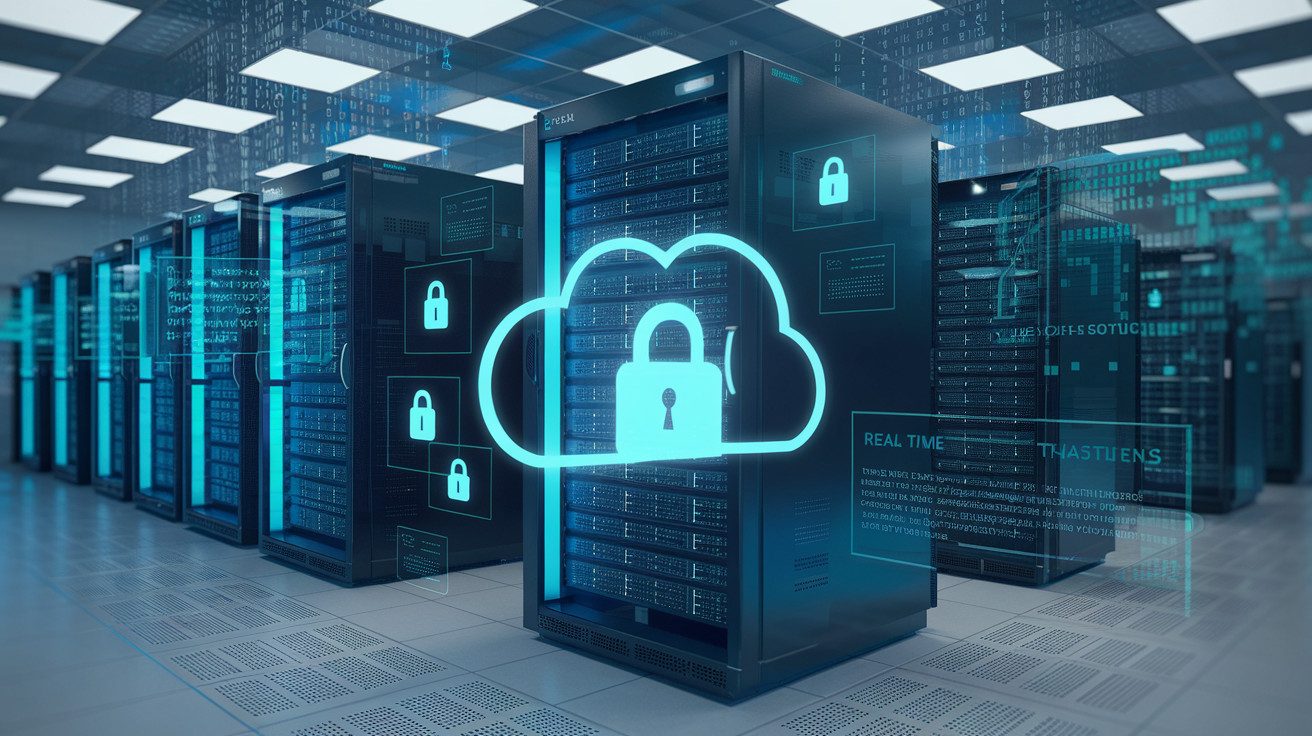
Encryption: Following Your Data’s Protected Journey
Ever wonder what happens when you upload a photo to the cloud? Your data doesn’t just float around unprotected. Before leaving your device, it’s scrambled into unreadable code – that’s encryption at work. Think of it as your data getting a personal bodyguard.
When you send files to the cloud, they travel through “TLS” (fancy talk for a secure tunnel). Your data is protected both during its journey and while resting in storage. The cool part? Only you have the digital keys to unlock this information.
Most cloud providers use AES-256 encryption – the same stuff governments use for classified information. Pretty reassuring, right?
Authentication Systems: The Digital Bouncers Protecting Your Information
Cloud security isn’t just about locks – it’s about who gets the keys. Authentication systems are like bouncers checking IDs at an exclusive club.
You’ve probably used multi-factor authentication without even realizing it. That text message with a code? That’s your cloud provider double-checking it’s really you.
Modern cloud systems have evolved beyond simple passwords:
- Something you know (password)
- Something you have (your phone)
- Something you are (fingerprint or face scan)
This layered approach means even if someone steals your password, they still can’t access your cloud data without your physical devices.
Compliance Mechanisms: How Cloud Providers Keep Your Data Legal
Your cloud provider isn’t just protecting your data from hackers – they’re also navigating a maze of legal requirements.
Ever noticed those GDPR consent popups? That’s just the tip of the compliance iceberg. Behind the scenes, cloud providers maintain:
- Regular security audits
- Detailed access logs (tracking who touched your data and when)
- Geographic data controls
- Industry certifications (like SOC 2, ISO 27001)
These aren’t just fancy badges – they’re proof that independent experts have verified your provider’s security practices. When you use a compliant cloud service, you’re essentially borrowing their legal homework.
The Truth About Data Sovereignty in Cloud Computing
Here’s something most people don’t consider: where your data physically lives matters legally. Data sovereignty means your information is subject to the laws of whatever country it’s stored in.
When you upload to the cloud, your files might be stored in servers across multiple countries – each with different privacy laws. This isn’t necessarily bad, but it’s something to be aware of.
Major cloud providers let you choose specific regions for data storage. This means you can keep sensitive information in countries with stricter privacy laws if that matters for your business or personal needs.
The reality? Your cloud data isn’t just in one place – it’s often replicated across multiple locations for reliability. The good news is you maintain control over where those locations are, ensuring your data rights are protected no matter which laws apply.
The Economics of Cloud Operations
Pay-As-You-Go: The Meter Running Behind Your Cloud Usage
Think of cloud computing like your electricity bill – you only pay for what you use. When you spin up a virtual machine or store files in the cloud, invisible meters start ticking. These meters track CPU time, memory usage, storage space, and network traffic.
Behind the scenes, cloud providers employ sophisticated metering systems that monitor your resource consumption down to the second or even millisecond. Your 3 AM database query? Tracked. That test server you forgot to shut down? Still on the meter.
This model eliminates the massive upfront investments traditionally required for on-premises infrastructure. You’re not paying for idle capacity anymore – no more “just in case” servers gathering dust in your data center.
How Multi-Tenancy Makes Cloud Computing Affordable
Ever wonder why cloud computing can be so cost-effective? Multi-tenancy is your answer.
In the cloud world, you’re sharing physical hardware with other customers (don’t worry – your data remains separate and secure). This approach maximizes resource utilization, driving down costs for everyone involved.
Picture an apartment building versus single-family homes. The cloud provider maintains one infrastructure “building” with multiple secure “apartments” for different customers. The maintenance costs get spread across all tenants.
This shared infrastructure model creates economies of scale that would be impossible for individual organizations to achieve. The provider can purchase hardware in bulk, negotiate better energy rates, and hire specialized engineering talent – all while passing the savings to you.
The Hidden Costs and Surprising Savings of Cloud Migration
Cloud migration isn’t all sunshine and savings. Data transfer fees, specialized cloud expertise, and vendor lock-in can surprise your finance team if you’re not careful.
But the savings? Often bigger than expected. Beyond the obvious hardware and data center costs, you’ll notice dramatic improvements in:
- Development speed (faster time-to-market)
- Operational efficiency (automation)
- Disaster recovery capabilities
- Global reach (without building global infrastructure)
Many organizations discover their true cloud ROI comes not from direct infrastructure savings but from business agility. The ability to scale quickly for seasonal demand or launch new products without procurement delays transforms how you operate.
The cloud economic model fundamentally shifts your IT spending from capital expenditure to operational expenditure – giving you flexibility that traditional infrastructure simply can’t match.
Cloud computing may seem like magic, but it’s built on tangible infrastructure and sophisticated systems working together.
By understanding the fundamentals of virtualization, the building blocks of data centers, and the different service models available, you can make more informed decisions about your cloud strategy. Behind every cloud application is a complex orchestration of resources, robust security measures, and economic models designed for efficiency.
As you navigate your cloud journey, remember that the real power lies in matching the right cloud solutions to your specific needs.
Whether you’re scaling a startup or transforming an enterprise, cloud computing offers unprecedented flexibility and capability. Take time to evaluate your requirements, understand the security implications, and analyze the cost structures to fully leverage what modern cloud computing has to offer.
I’ve also built a platform that shows you how to build the right hands-on cybersecurity skills to help businesses achieve their cloud security goals while you build the career you love for a better, higher-paying reward. Check it out here and start working on projects that will help you get hired.
The Author