Why ‘Secure by Default’ Doesn’t Exist in the Cloud (And How to Fix It)
You’ve been sold a dangerous lie about cloud security. 87% of organizations experienced at least one cloud security incident last year, yet vendors keep promising “secure by default” platforms that magically protect your data.
Let’s be brutally honest – there’s no such thing as secure by default in the cloud. Every configuration change, every new service, every API integration creates new attack vectors faster than your team can patch them.
This isn’t about making you paranoid. It’s about giving you practical cloud security automation strategies that work in the real world, where perfect security doesn’t exist but practical risk management does.
The gap between cloud security promises and reality is costing companies millions. And the solution isn’t what most “experts” are telling you to do…
The Myth of “Secure by Default” in Cloud Environments
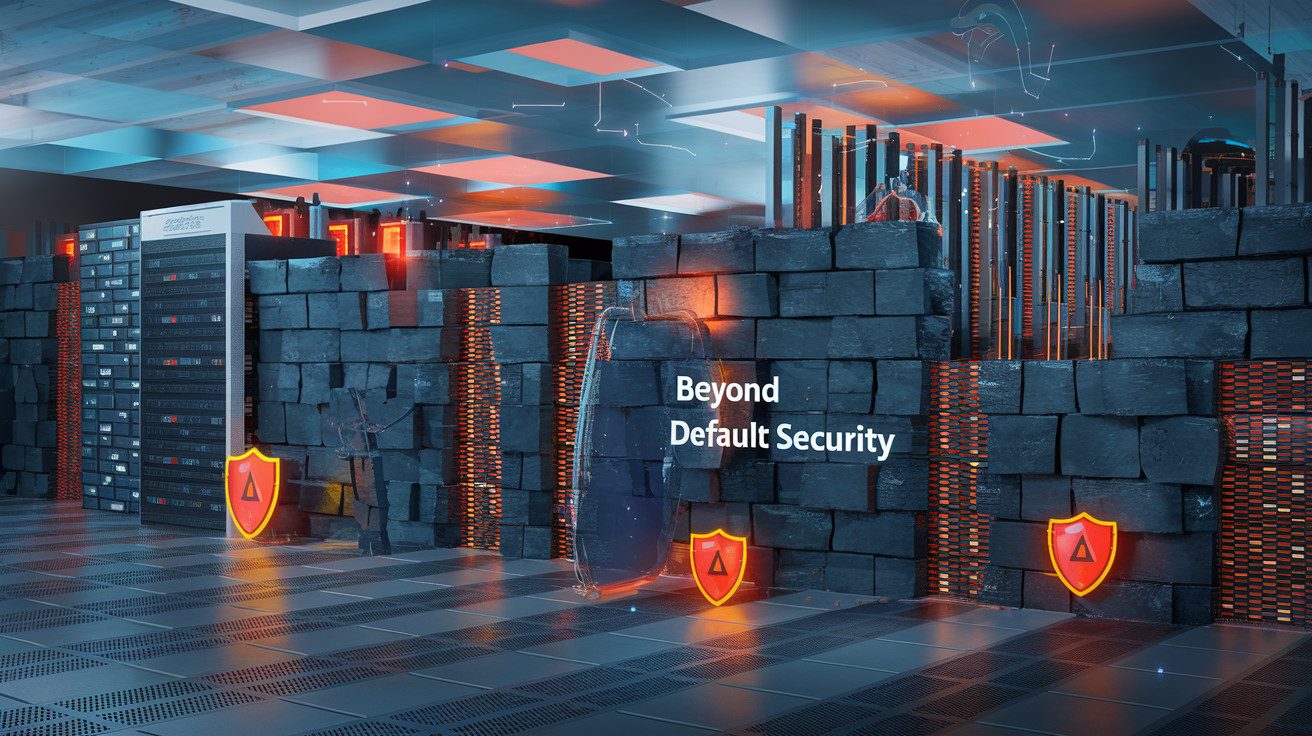
A. What vendors claim vs. reality of cloud security
You’ve heard it before: “Our cloud platform is secure by default!” Sounds reassuring, right? But peek behind the marketing curtain and you’ll find a different story.
Cloud vendors often advertise robust security features, but they’re typically optional or require specific configuration. They highlight their impressive security capabilities while downplaying that most aren’t enabled in default configurations.
| What Vendors Claim | The Reality You Face |
|---|---|
| “Comprehensive security built-in” | Basic security with advanced features requiring additional setup |
| “Turnkey secure environment” | Default settings optimized for ease of adoption, not security |
| “Military-grade protection” | Strong protection capabilities that you need to activate and configure |
| “Zero trust architecture” | Zero trust frameworks available but rarely enforced by default |
B. The shared responsibility model and its limitations
The shared responsibility model sounds great in theory – your provider handles infrastructure security while you manage data and access. But in practice? This division creates dangerous security gaps.
Your cloud provider won’t call to warn you about your misconfigured S3 bucket exposing sensitive data. They’ve fulfilled their responsibility by providing security tools – whether you use them correctly is entirely your problem.
This model creates a false sense of security. You might think “AWS is secure” without realizing that properly configuring AWS is your job. The responsibility handoff points are often unclear, leaving critical security controls overlooked.
C. Why default configurations prioritize convenience over security
Default settings in cloud environments are designed with one primary goal: getting you up and running quickly. Security adds friction, and friction slows adoption.
Cloud providers compete on ease of use, not security rigor. When you launch a new instance or service, the default settings typically:
- Maximize connectivity rather than limiting access
- Enable legacy compatibility over secure defaults
- Prioritize functionality over security controls
- Avoid permission roadblocks that might frustrate users
This convenience-first approach explains why cloud breaches continue despite advanced security capabilities being available. Your provider could make everything locked down by default, but you’d likely choose their competitor who makes it easier to get started.
D. Common security gaps in out-of-the-box cloud deployments
Your fresh cloud deployment probably has more holes than Swiss cheese. These security gaps aren’t bugs – they’re features designed to streamline adoption:
- Overly permissive identity and access management policies
- Public-facing resources without proper access controls
- Unencrypted data stores and transmission channels
- Minimal logging and monitoring enabled
- Lack of network segmentation
- Missing vulnerability management processes
- Disabled encryption for data at rest and in transit
- Unrestricted API access points
- No multi-factor authentication requirements
These gaps aren’t theoretical – they’re the exact vulnerabilities attackers actively exploit. Cloud security automation tools and cloud security posture management solutions exist precisely because default configurations are inherently insecure.
Understanding Cloud Security Vulnerabilities

A. Misconfigurations as the leading cause of cloud breaches
Think you’ve built a secure cloud environment? You might be shocked to discover that 65-70% of all cloud security incidents stem from simple misconfigurations. When you move workloads to the cloud, every resource you create comes with default settings that aren’t necessarily secure for your specific needs.
The truth? Your cloud providers don’t automatically lock things down. They give you powerful tools with flexible defaults that prioritize functionality over security. That S3 bucket you just created? It’s not public by default, but one wrong click during setup and your sensitive data is exposed to the world.
B. Identity and access management weaknesses
Your cloud security is only as strong as your weakest identity controls. Most breaches happen not through sophisticated attacks but through compromised credentials and excessive permissions.
Ever given a developer “just temporary” admin access that never got revoked? Or used service accounts with way more permissions than needed? You’re not alone. The principle of least privilege often gets sacrificed for convenience in cloud environments.
C. Data protection challenges across multi-cloud environments
Running workloads across AWS, Azure, and GCP? Your data protection strategy just got exponentially more complex. Each provider handles encryption, key management, and data classification differently.
What works for protecting data in one cloud won’t necessarily translate to another. Your security team now needs to master multiple sets of tools, terminology, and security models just to maintain consistent protection.
Building a True Security Foundation
Implementing the principle of least privilege from day one
You can’t fix cloud security after the fact. Start with least privilege access controls from the beginning. This means giving users and services only the permissions they absolutely need to perform their jobs—nothing more.
Truth bomb: Most security breaches stem from excessive permissions. Those default admin roles cloud providers offer? They’re convenience traps. Instead, build custom IAM policies based on specific job functions.
Try this approach:
- Map out exactly what each role needs access to
- Create permission boundaries that limit scope
- Implement just-in-time access for sensitive operations
- Review permissions quarterly (automate this!)
Securing cloud networks through proper segmentation
Your cloud networks should be divided into isolation zones; not the free-for-all many companies deploy. Proper network segmentation limits an attacker’s ability to move laterally if they breach one part of your environment.
Set up security groups and network ACLs to control traffic between segments. Think of each segment as its own security domain with clear boundaries and controlled access points.
Encryption strategies for data at rest and in transit
Encryption isn’t optional anymore. Your data needs protection everywhere:
- Use TLS 1.3 for all service communications
- Implement client-side encryption when possible
- Rotate encryption keys regularly (90 days max)
- Consider field-level encryption for sensitive data
Don’t rely on cloud provider defaults here—they often enable basic encryption but miss crucial configuration options that would actually protect your most sensitive data.
Establishing secure CI/CD pipelines
Your deployment pipeline is a prime attack vector. Secure it by:
- Scanning code and dependencies before they hit production
- Using immutable infrastructure patterns
- Implementing infrastructure-as-code security checks
- Requiring multi-person approval for sensitive deployments
Remember that speed and security aren’t opposites. Well-designed automation actually improves both by removing error-prone manual processes.
Cloud Security Automation Strategies
A. Infrastructure as Code (IaC) security scanning
When you’re building cloud infrastructure with code, security vulnerabilities can sneak in before your resources even exist. That’s why IaC scanning is a game-changer. By integrating tools like Checkov, Terraform Sentinel, or AWS CloudFormation Guard into your CI/CD pipeline, you catch misconfigurations before deployment.
Start small—scan your templates for obvious issues like unencrypted storage or overly permissive security groups. Then gradually ramp up by enforcing company-specific policies that match your risk tolerance.
B. Automating compliance checks and remediation
Staying compliant in the cloud can be a nightmare if you’re doing it manually. Automation tools like AWS Config Rules, Azure Policy, or GCP Security Command Center can continuously verify your resources against standards like CIS, NIST, or PCI DSS.
The secret sauce? Setting up automated remediation actions. When your S3 bucket suddenly becomes public, your automation can immediately fix it instead of waiting for you to notice an alert.
C. Continuous security monitoring and anomaly detection
Your cloud environment is constantly changing. Deploy CSPM (Cloud Security Posture Management) solutions to track these changes in real-time. Look for unusual user behavior, unexpected resource creation, or traffic patterns that don’t match historical data.
Tools like Prisma Cloud, Lacework, or Wiz can establish baselines of normal activity and flag deviations that might indicate compromise.
D. API security automation
APIs are the backbone of your cloud services and often the weakest link. Implement automated API scanning that checks for authentication flaws, rate limiting issues, and proper encryption.
Consider using API gateways with built-in security features that automatically validate tokens, manage throttling, and encrypt data in transit.
E. Auto-remediation workflows for common issues
Why fix the same problems repeatedly? Build auto-remediation playbooks for your top cloud security headaches:
- Automatically rotating exposed credentials
- Restricting public access to storage when detected
- Enforcing encryption for data at rest
- Removing unused IAM permissions
- Patching vulnerable containers
Each workflow you automate is one less 3AM emergency you’ll face.
Creating Your Own “Secure by Default” Framework
A. Developing cloud security guardrails and policies
The truth is, you’ll need to build your own security foundation since cloud providers won’t do it for you. Start by defining clear guardrails – these are your non-negotiable security boundaries. Think of them as the safety rails keeping your cloud infrastructure from veering off a cliff.
Your guardrails should include:
- Resource access controls (who can do what)
- Network segmentation rules
- Data encryption requirements
- Identity management policies
Document these in plain language so your entire team understands them. And remember – policies that no one follows are just digital paperweights. Make them practical enough to implement but robust enough to protect you.
B. Building security-focused templates and blueprints
Stop deploying resources manually. You’re practically inviting misconfigurations. Instead, create standardized, security-hardened templates for everything:
- Infrastructure as Code (IaC) templates for AWS CloudFormation or Terraform
- Container images with security controls baked in
- Application deployment patterns with security checks
These blueprints become your “secure by default” starting points. When your team needs a new resource, they’ll use these pre-secured templates rather than figuring out security from scratch each time.
C. Implementing a cloud security posture management process
You can’t secure what you can’t see. Implement continuous monitoring to catch drift from your security baseline. Your CSPM approach should:
- Automatically scan for misconfigurations and policy violations
- Alert on high-risk changes
- Provide remediation guidance or auto-remediate when possible
- Track your security posture over time
The same steps from the list above, shown in order.
- Automatically scan for misconfigurations and policy violations
- Alert on high-risk changes
- Provide remediation guidance or auto-remediate when possible
- Track your security posture over time
Many organizations scan weekly or monthly. That’s not enough. In the cloud, seconds matter. Real-time visibility is your goal.
D. Training and cultural changes to prioritize security
Your fancy security tools mean nothing if your team views security as “someone else’s problem.” You need culture change:
- Train developers on secure coding practices specific to cloud environments
- Run regular tabletop exercises for security incidents
- Celebrate teams that catch and fix security issues early
- Make security metrics visible to everyone
The most effective approach? Build security knowledge directly into your engineering teams rather than relying solely on a separate security team to catch issues after the fact.
Achieving true security in the cloud isn’t about relying on default settings; it’s about building your own robust security framework.
As you’ve seen, the concept of “secure by default” remains largely a myth in cloud environments, where complex configurations, shared responsibility models, and evolving vulnerabilities create significant security challenges.
By understanding these potential weak points and implementing a strong security foundation, you can transform your cloud infrastructure from vulnerable to resilient.
Your journey toward cloud security doesn’t end with awareness, it requires action. Start by implementing the automation strategies discussed and developing your customized security framework that addresses your organization’s unique requirements.
Remember that cloud security is continuous work, not a one-time setup. When you take ownership of your security posture rather than depending on default configurations, you’ll create an environment that truly deserves the “secure by default” label that your business needs to thrive in today’s digital landscape.
I’ve also built a platform that shows you how to build the right hands-on cybersecurity skills to help businesses achieve their cloud security goals while you build the career you love for a better, higher-paying reward. Check it out here and start working on projects that will help you get hired.
The Author